
Violent Party Getting Started
Everything you need before your first Violent Party round.
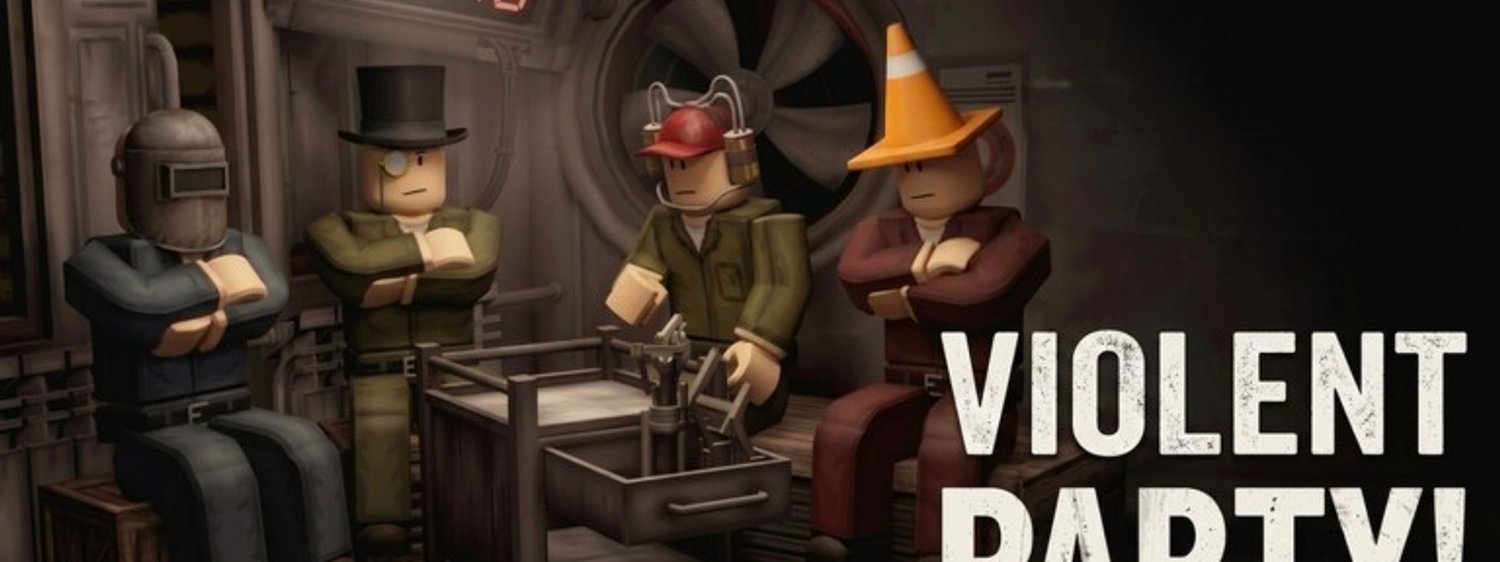
Welcome to Violent Party. This walkthrough takes you from a fresh Roblox install to your first survived round, with no assumptions about your experience level. If you have played any Roblox game before, you can skim the early sections.
Install Roblox and create an account
Violent Party runs inside the Roblox client, so step one is the platform itself.
- Download Roblox from roblox.com for PC, Mac, mobile, or console.
- Create a free account or sign in with your existing one. Two-step verification is strongly recommended because Violent Party sometimes trends high enough to attract phishing attempts.
- Verify your email so that future game passes and rewards can be claimed.
If you have never used Roblox before, spend a minute on the Roblox starter tutorials before jumping into Violent Party — the default bindings you learn there carry over directly.
Launch Violent Party
Open the official Violent Party page and click the green play button. The first launch takes a few seconds because Roblox streams the experience from the cloud. Once the lobby loads you will see the server list, your avatar, and a small rotating minigame preview on the wall.
Servers hold up to 30 players, and the busiest ones fill in seconds. If you see “Server Full” when you click Play, switch to a different region from the server browser and try again.
Survive your first round
The first round in every server is always a slow-paced introduction. Use it to learn the controls: W A S D to move, Space to jump, mouse to look around, and the on-screen prompt for any interaction the round requires. Most survival challenges also reward players who keep moving and avoid clustering in the centre of the arena.
When the round timer hits zero, a short intermission starts. Do not leave — the next minigame begins in roughly 15 seconds and your spot in the server is preserved.
What to bookmark
- The Beginner Guide for round-by-round survival tactics.
- The Codes Hub — bookmark this even though there are no active codes today, because the moment new rewards ship they appear here first.
- The Updates Hub — patches drop roughly every few weeks; the icon refresh on August 23, 2026 was the latest visible activity.
Common first-session mistakes
- Joining a full server repeatedly — try a different region from the browser.
- Skipping the round objective — every round reads its objective on screen; reading it first almost always beats rushing.
- Standing still — the safest player in any round is usually the one whose position is hardest to predict.
Now you are ready for the Beginner Guide — the next page drills into the five most common minigame types so you can survive more than just the opening round.
Picking the right server region
Roblox servers are split by region. Pick the closest region to your physical location for the lowest ping, then fall back to a neighbouring region if your first choice is full. Violent Party’s servers fill up fast during peak hours (weekends and school holidays), so cycling regions is a normal part of the join flow.
What to do if the game crashes
Roblox is a streaming client, so a single crash does not mean your install is broken. Rejoin from the experience page and pick the same region again. If the crash repeats, switch to a private server if you have one available, or wait 15 minutes for the lobby queue to clear. Persistent crashes usually mean a stale executor script; close your executor and rejoin.
Frequently Asked Questions
Quick answers to the most common questions.
Do I need a powerful PC to play Violent Party?
No. Violent Party runs on the standard Roblox client, which is supported on a wide range of hardware. The official Roblox system requirements are the only ones that matter.
Is Violent Party appropriate for kids?
Roblox includes its own content moderation. The experience uses cartoon-style violence (slapstick knockouts, no gore), but parental controls are available in your Roblox account settings if you want to lock things down further.