Violent Party Controls & Multiplayer
Every input mapped, every multiplayer flow tested.
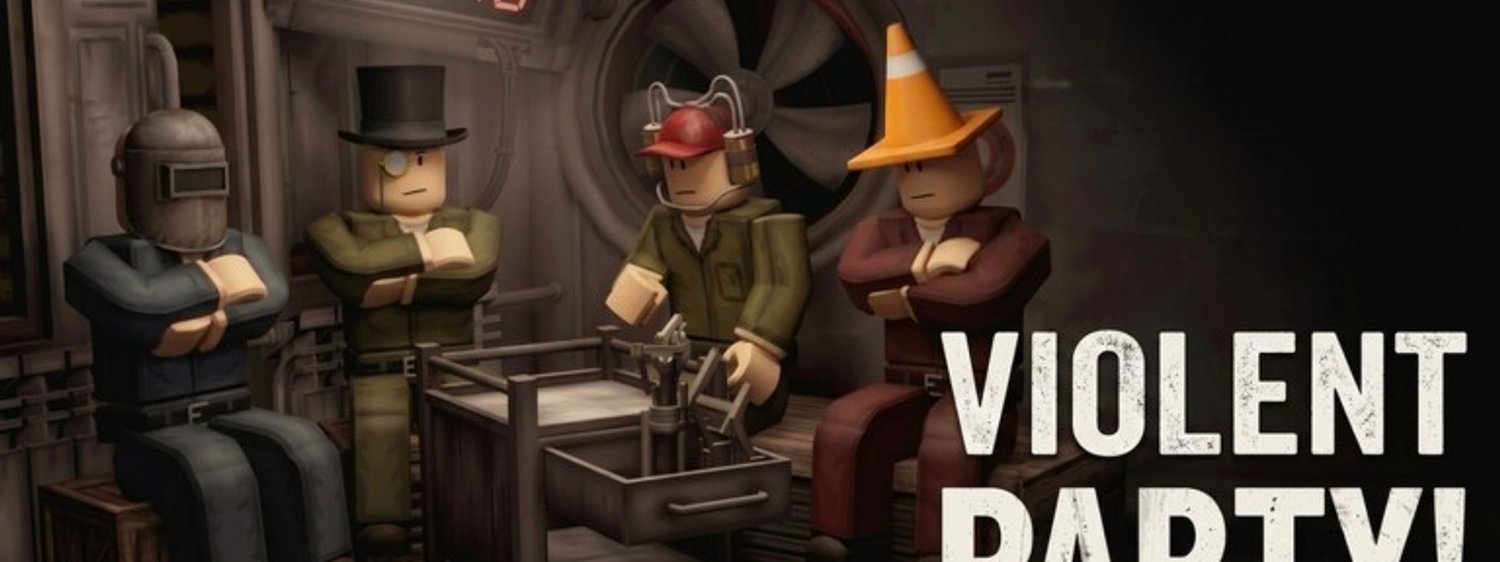
Violent Party is a Roblox multiplayer experience, so the two most common setup questions are: how do the controls actually work, and how do you reliably play with friends? This hub is your entry point.
Read first
- Violent Party controls — full PC and mobile control layout with the exact keys Roblox binds by default and which ones are worth remapping.
- How to play with friends — server join flow, friend list setup, and how to call objectives so the group wins more rounds.
- Errors & fixes — step-by-step troubleshooting for crashes, kicks, lag, and join failures.
What the wiki covers
Roblox does not let developers ship unique character classes inside Violent Party — everyone spawns as the default avatar. That is why this hub focuses on inputs and coordination, not character builds. The skill gap in Violent Party is made up of three things: how fast you read the objective, how cleanly you move, and how well you sync with your team. The guides in this section attack each gap directly.
If you are new to Roblox
Players who have never touched Roblox before should start with the Getting Started guide, then come back here for the full controls reference. Roblox’s default bindings are intentionally generic, and Violent Party uses them almost as-is, so you do not need to remap anything for your first session.
If you play on console
Roblox supports Xbox and PlayStation controllers through the Roblox client. Most Violent Party actions map directly to the left stick (movement), A button (jump), and right trigger (interact). The controls page includes a controller-friendly column.
Why controls matter more than builds
Violent Party has no persistent stats, no gear, and no character progression. Every round resets you to a clean slate. That means your input timing — not your loadout — decides whether you survive. Spend a few minutes in the Beginner Guide to drill movement and camera tracking before chasing high-skill minigames.
Picking the right sub-page
If you mainly play on PC and have not remapped anything yet, start with the controls reference — the page lists the default bindings Roblox ships with and explains which keys benefit most from a remap. If you queue up with two or three friends and keep getting split across servers, the multiplayer page walks you through the same-server join flow. The two pages overlap on callouts and voice chat, so read them in that order.
What about mobile players?
Roblox touch controls work in Violent Party without modification. The right-stick equivalent is a touch-and-drag gesture anywhere on the screen, and the jump button appears only when the current round actually uses jumping. The controls page has a dedicated mobile column and explains the two-thumb layout that most top players use on phones.
Frequently Asked Questions
Quick answers to the most common questions.
Can you customise your Violent Party character?
Inside the experience, every player uses the default Roblox avatar. You can still customise your avatar in your Roblox profile — it shows up in the lobby and in other player encounters.
Do I need a high-end PC to play Violent Party?
No. Violent Party runs on the standard Roblox client, which is supported on most modern hardware. The official system requirements are the same as Roblox itself.