Violent Party Official Links Hub
All verified Violent Party links in one place: official Roblox page, Discord, social channels, and trusted community resources.
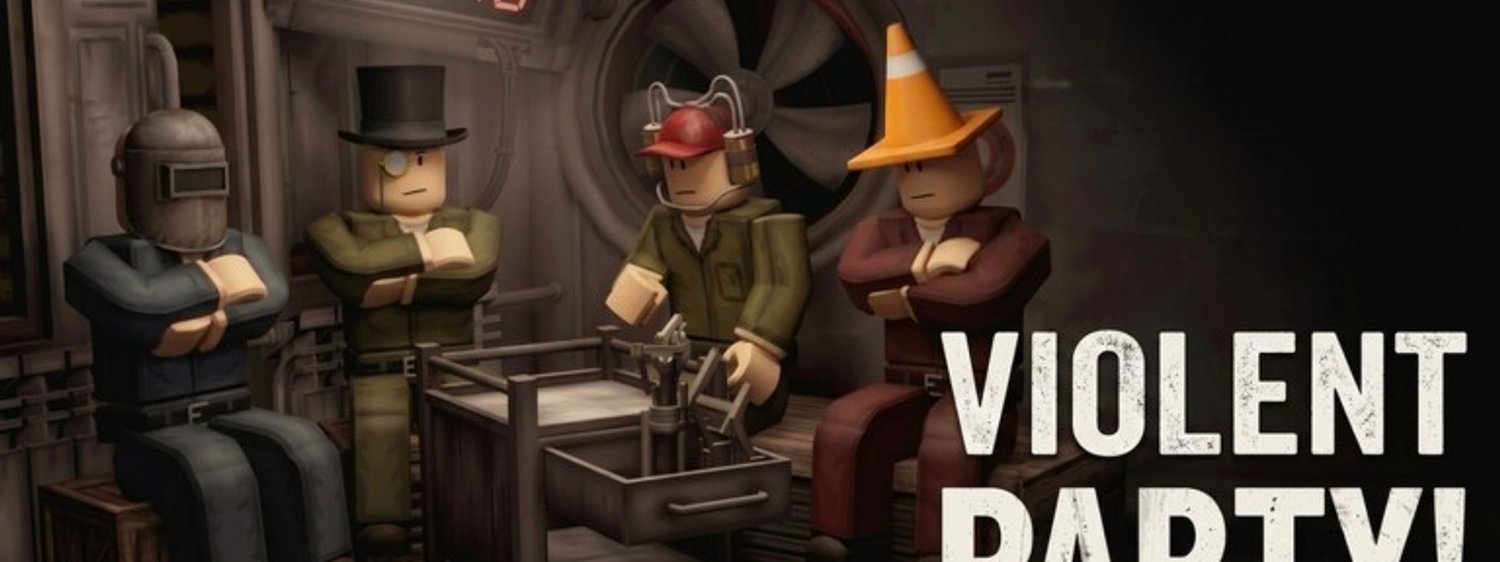
Use the official channels below to stay up to date with Violent Party by Machine Party X. Bookmarking the Roblox page is the fastest way to jump straight into a server, while the Discord is where the developers announce new minigames and patch notes first. Every link on this page is either owned by the development team or run by a community we have personally verified — anything that asks for your password, your 2FA codes, or your email is a scam, no exceptions.
Primary links
- Play Violent Party on Roblox — the official experience page, place ID 70990751935174, universe ID 10113997049.
- Violent Party Discord server — the community hub where Machine Party X posts development logs, sneak peeks, and event announcements.
Why no public Trello board (yet)
The developers have not published a Trello roadmap for Violent Party. The closest equivalent is the Discord’s #announcements and #updates channels, which the team uses to track minigame additions, balance passes, and known issues. Bookmark the Updates hub here as a backup; it is updated after every confirmed patch, and each entry links to the matching Discord message so you can read the original.
How to tell a real link from a scam
Violent Party is trending, which means copycat experiences and fake reward sites will appear in search results. Always launch the game from a link that points to roblox.com and only join the Discord through the official invitation linked above. If a link asks for your Roblox password, your 2FA codes, or your account email, it is a scam — close the page and report it through the Report Abuse link on the impersonator’s profile. The Roblox Trust & Safety team investigates every credible report, so taking thirty seconds to flag a fake server protects the next player who clicks it.
Reporting impersonator servers to Roblox
If you stumble on a Violent Party experience that copies the official thumbnail but is run by a different creator, do not join it. Open the impersonator’s Roblox profile, click the three-dot menu, choose Report Abuse, and pick Impersonation as the category. Include a short note explaining which official experience it is copying and link to the real place ID (70990751935174). Repeat the same flow for any YouTube video or TikTok that advertises free Robux in exchange for completing a survey — those are phishing traps, not official promotions.
How to verify a code drop without leaking your account
Code-drop videos and posts spread fast, especially when a new minigame ships. Before redeeming anything, check that the code is posted on the Updates hub first, then cross-reference it against the pinned message in the official Discord. Never paste a code into a third-party website that asks you to log in with Roblox to claim a reward — those sites steal credentials. If a code you typed in-game does not work, wait one full server restart before assuming it is fake; some codes are flagged inactive until the next deployment.
Looking up a player’s stats the safe way
The in-game leaderboard shows current-round stats, but historical numbers live on each player’s Roblox profile. Open the profile by clicking a username in chat, then read the public statistics panel — never download a third-party stats viewer extension, as those almost always bundle keyloggers. The official Roblox profile is the only surface we trust for badge counts, joined date, and favorite games.
Where to find wiki updates
This wiki is updated whenever a confirmed patch goes live. The home page also lists the latest change log, and the Multiplayer guide covers any new server features in detail. If you spot something out of date, the contact link in the footer is the fastest way to reach the editors; we usually respond within forty-eight hours during a patch week.
Social channels worth following
Machine Party X posts short gameplay clips and patch teasers on TikTok and X (formerly Twitter). The clips rarely contain new information that is not also on Discord, but they are useful as an early signal that a feature is in active development. If you only follow one account, follow the official Discord; everything else mirrors there within a few hours.
Community resources we trust
A handful of fan-run Discords and wikis cover Violent Party in depth. We link to them in the Updates hub when they publish a credible source, and we re-check each link at least once per patch cycle. We do not endorse any resource that asks for your Roblox password, promises free Robux through a survey, or directs you to a third-party code generator — those are scams, and we remove them from our list the moment we spot one.
Frequently Asked Questions
Quick answers to the most common questions.
Is this wiki an official Violent Party resource?
No. This is an unofficial fan-made wiki. All gameplay decisions, server settings, and patch notes belong to Machine Party X and Roblox Corporation.
Where do I report a broken link or wrong info?
Use the contact channel in the footer. Include the page URL, what is wrong, and the correct information from an official source.
How do I redeem a code without risking my account?
Open the [Updates hub](/updates/) or the pinned message in the official Discord, copy the code exactly as written, then paste it into the in-game codes menu. If it does not work, wait one server restart — some codes stay inactive until the next deployment.