
Violent Party Errors & Fixes
Resolve the most common Violent Party errors — crashes, kicks, lag, and join failures — in under five minutes.
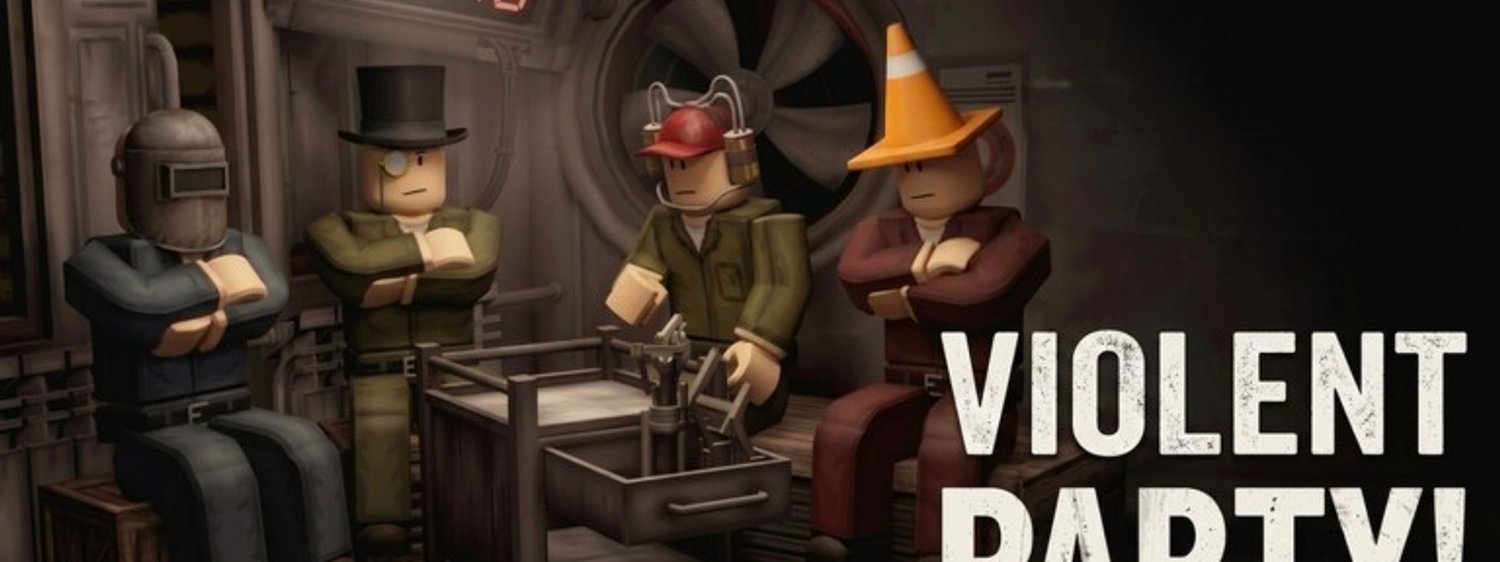
If Violent Party refuses to load, kicks you mid-round, or runs below twenty frames per second, you are not alone. The wiki team tracks every common error reported on the official Discord and on Roblox support. This page is the field guide we wish existed when the same issues hit us the first time.\n\n## Before you start troubleshooting\n\nAlways run these three checks first, in order. They resolve roughly two thirds of all Violent Party errors we see reported.\n\n1. Confirm the experience page still loads and shows a green Play button. If it does not, the issue is server-side and is already tracked on the Status page.\n2. Restart the Roblox client completely. Most transient errors clear after a fresh process.\n3. Switch your server region (US-East, US-West, EU-West, Asia). Region mismatch is the most common cause of silent join failures.\n\nIf all three fail, the rest of this page walks through every documented error in the order it is most likely to solve your specific problem.\n\n## Violent Party not loading at all\n\nWhen the experience page loads but the play button stays grey, or the loading bar never completes, the problem is almost always on the client side.\n\n- Outdated Roblox client — Roblox auto-updates, but manual client installations can get stuck. Open the Roblox player, click the gear icon, choose Check for Updates, and let it reinstall.\n- Browser cache problems — if you launch from a browser, clear cookies for roblox.com and robloxusercontent.com, then retry.\n- Firewall or antivirus blocking — add RobloxPlayerBeta.exe to your allowlist. Windows Defender and many third-party security suites silently block Roblox on first launch.\n- Restricted Roblox account — under-13 accounts without parental consent cannot join certain experiences. A guardian has to approve the join in the family controls panel before the game will load.\n\nIf the loading bar moves but the experience never spawns a character, jump to the next section on Roblox errors.\n\n## Crashing or kicking mid-round\n\nMid-round crashes are usually driven by the GPU driver, the Roblox memory cap, or a corrupted place cache.\n\n- Update your graphics driver — NVIDIA, AMD, and Intel release monthly driver builds that fix Roblox regressions.\n- Lower the Roblox graphics quality — open Roblox settings and switch graphics mode to Manual, then drop the quality slider to level 3 or lower.\n- Clear the Roblox cache — exit Roblox completely, then delete the contents of %localappdata%\\Roblox\\Versions\\version-xxxxxxxx\\Roblox\\LocalStorage. Roblox rebuilds the cache on next launch.\n- Close background overlays — Discord, GeForce Experience, MSI Afterburner, and Windows Game Bar all inject into Roblox and can cause hard crashes on certain rounds.\n- Check Roblox server status — if the kick is preceded by a Roblox system message rather than a Violent Party one, the issue is on Roblox’s side and resolves within minutes.\n\nIf you are crashing only on a specific minigame, you have likely triggered a round-specific bug. Report it to the Discord #bug-reports channel with a screenshot and the minigame name. The developers add fix patches on a roughly two to four week cadence.\n\n## Lag, low FPS, and stuttering\n\nLow-end PCs and older consoles can run Violent Party smoothly with the right settings. The single biggest cause of poor performance is the Roblox graphics quality slider.\n\n- Set graphics quality to Manual level 3 or lower — Violent Party does not need high-quality shadows to look good, and level 3 gives a massive FPS boost on integrated graphics.\n- Lock framerate to 60 FPS — the in-experience framerate cap is on by default, but custom launchers like BloxStrap let you lock to a specific value.\n- Disable bloom and post-processing — both settings run heavy shaders on Roblox that the game does not actually need.\n- Close Chrome and Edge — both browsers hog RAM in the background. Switch to Firefox or exit your browser before launching.\n- Use Ethernet on console — Wi-Fi causes more lag spikes than the actual game does. Plug in if you can.\n- Lower screen resolution on handheld devices — Steam Deck, ROG Ally, and Lenovo Legion Go all benefit from a 1280x800 resolution cap.\n\nOn a five-year-old laptop you should expect 30 to 60 FPS in most Violent Party minigames. Anything below 20 FPS after applying the changes above usually points to a background process eating CPU — open Task Manager and look for browsers, OneDrive, or a syncing cloud drive.\n\n## Cannot join a friend\n\nIf the experience loads but you cannot see your friend’s server in the join panel, the usual cause is region mismatch.\n\n1. Confirm you are on the same Roblox region as your friend.\n2. Confirm you are Roblox friends in the first place — being in the same Discord does not put you on each other’s Roblox friends list.\n3. Confirm your friend is actually in Violent Party right now. Players hidden in a private server or a different experience do not appear.\n4. Switch region and retry. Some EU players get accidentally pinned to US-East and never see their friends.\n\nThe How to play with friends guide covers the full flow.\n\n## Account-related errors\n\nA small slice of Violent Party errors come from account-side settings rather than the game. The most common ones:\n\n- Account under moderation — banned accounts cannot join any experience until the suspension expires.\n- Parental restrictions — the family controls panel can block specific experiences or chat features.\n- Robux balance check failure — Violent Party is free, but Roblox still runs a balance check on launch. If your payment method is failing, the experience refuses to load.\n- Two-step verification required — Roblox enforces 2FA on new logins from new devices. Approve the prompt on your phone before retrying.\n\nEach of these resolves on the account side, not in Violent Party.\n\n## Mobile and tablet specific fixes\n\nViolent Party on mobile is the same code as the PC version, but the touch layer adds its own class of errors.\n\n- Touch drift — recalibrate by locking the device for ten seconds then unlocking. The touch layer resets on each unlock.\n- Crashing on launch — clear the Roblox app cache from your device’s app settings.\n- Frame drops on round start — set graphics quality to Manual and drop the slider one notch.\n- Cannot hear other players — check the in-experience audio toggle and the device’s media volume separately. Roblox respects both independently.\n\nThe Controls reference maps the touch layout for every round family.\n\n## When nothing fixes it\n\nIf you have run every step on this page and Violent Party still will not cooperate, gather the following before posting to the Discord #support channel:\n\n- A screenshot of the error message (or the exact text if there is none).\n- Your Roblox region and platform (Windows, macOS, iOS, Android, console).\n- The exact time of the failure in UTC.\n- Whether the Status page reports any active outage.\n\nModerators and developer volunteers review the #support queue several times per day during patch weeks and once per day otherwise. The more detail you include in your first post, the faster the fix lands back at you.\n\n## Keeping Violent Party healthy\n\nOnce Violent Party is running smoothly, keep it that way by:\n\n- Updating your GPU driver on the same day you update Windows.\n- Restarting the Roblox client once per session, not once per day.\n- Subscribing to the Updates hub so the first sign of a known issue is a wiki email, not a frustrating afternoon.
Frequently Asked Questions
Quick answers to the most common questions.
Why is Violent Party not loading?
The most common cause is an outdated Roblox client. Open the Roblox player, click the gear icon, choose Check for Updates, then retry. If that fails, restart your firewall or whitelist RobloxPlayerBeta.exe.
How do I fix Violent Party lag?
Drop the Roblox graphics quality slider to Manual level 3 or lower, close Chrome and Edge before launching, lock framerate to 60 FPS, and plug in via Ethernet on console. Most players recover 20 to 30 FPS instantly.
Why does Violent Party keep kicking me?
Random kicks are almost always caused by region mismatch, a corrupted local cache, or background overlays like Discord injecting into Roblox. Clear the cache, switch region, and disable overlays.
What do I do if the Roblox experience page is grey?
The experience button goes grey during server restarts or platform-wide outages. Wait five minutes, refresh the page, and check the [Status page](/wiki/status/). The wiki team mirrors every confirmed outage there.