Violent Party Account Privacy & Safety
Lock down your Roblox account, filter chat, and stay safe from the scams that target new Violent Party players.
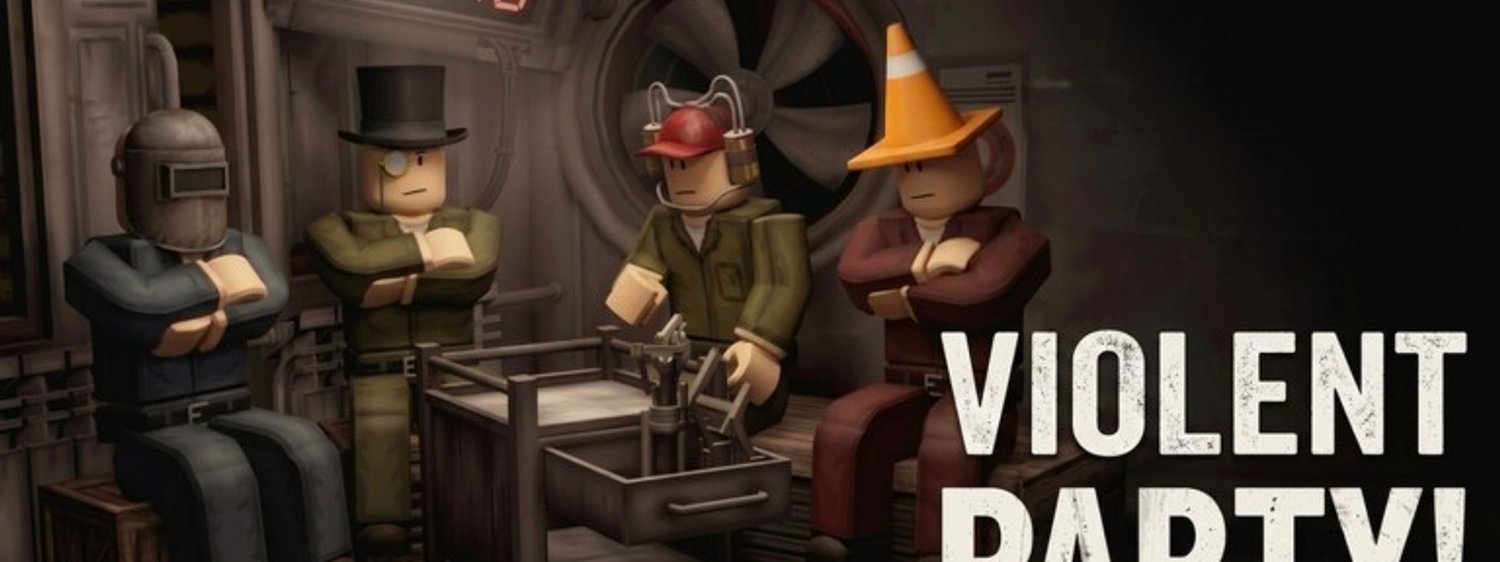
Violent Party is a public Roblox experience with up to 30 players per server, which means the same precautions that apply to any Roblox game apply here. This page walks through the privacy settings every Violent Party player should configure before they queue, the chat filters that protect younger players, and the most common scams that target the experience. Treat this as a setup checklist rather than a one-time read; revisit it every few months or after any major Roblox account update.
Lock down your Roblox account
The first line of defence is your Roblox account itself. Most Violent Party scams start with a stolen Roblox password, not a Violent Party exploit. The setup below closes the most common entry points.
Enable two-step verification on your account. Roblox supports email, SMS, and authenticator app verification. Pick the option that matches your phone or email habits — an unused authenticator app is the strongest, but email-only is better than nothing. Two-step verification blocks 99% of the credential-stuffing attacks that target popular experiences.
Use a unique password for your Roblox account. If you reuse your email-and-password combination across other services, a single breach on another site can compromise your Roblox account. A password manager makes this easy — Roblox’s password reset flow is straightforward enough that you only need to remember the master password.
Verify the email on your Roblox account. Unverified accounts lose access to game passes and rewards when the email expires or the provider disables the address. Verified emails also unlock the account recovery flow if you ever lose access.
Configure Roblox privacy settings
Roblox has account-level privacy settings that control who can message, follow, and play with you. The defaults are permissive; tighten them if you are a younger player or if you do not want random servers to add you as a friend.
Set the messaging privacy to ‘No one’ or ‘Friends only’ if you do not want random players to send you DMs. Most Violent Party scams arrive via DM after the scammer joins your server and adds you as a friend. Disabling DMs from strangers closes that channel entirely.
Set the join behaviour privacy to ‘Friends only’ or ‘No one’ if you do not want random players to follow you into other experiences. Some scam experiences target players by following them from Violent Party into a low-population Roblox experience where fewer moderators are active.
Set the inventory privacy to ‘Friends only’ if you want to keep your Robux purchases, limited items, and badges private. The default is public, and public inventories are easy targets for trade scams.
Use the in-experience chat filter
Roblox has a built-in chat filter that you can configure per account. The filter has three modes: strict, moderate, and off. Strict is the safest; moderate is the default; off is only useful for verified developers who need to test unfiltered chat flows.
For younger Violent Party players, keep the filter on strict. The strict filter blocks the most common harassment phrases and replaces them with non-offensive placeholders. It does not block every message, but it removes the worst of the noise so the chat stays readable.
For adult Violent Party players, moderate is fine for most servers. The moderate filter catches the worst offences without flagging every competitive quip. If you join a server where the chat is consistently toxic, leave the server rather than disabling the filter.
The filter does not block voice chat unless you disable voice separately. Roblox voice chat requires an age verification and a microphone permission. If you do not want to use voice, leave voice disabled in your account settings — most Violent Party players communicate via in-experience text chat or external Discord channels anyway.
Recognise the most common Violent Party scams
The wiki team tracks the scams that target Violent Party players. The five most common patterns account for almost every report we receive. Recognise them and you avoid 95% of the risk.
Pattern one: code giveaways. A player DMs you with a ‘code’ that is actually a phishing link. The link takes you to a fake Roblox login page that steals your credentials. Real Violent Party codes never require you to log in to a third-party site.
Pattern two: free Robux generators. A website promises free Robux if you complete a survey or install an app. Roblox never distributes Robux through third-party sites; any site that asks for your credentials in exchange for Robux is stealing them.
Pattern three: VIP upgrade offers. A scammer claims they can upgrade your Roblox account to VIP status for a fee. VIP status is managed by Roblox, not by third-party services. Any offer to upgrade you for a fee is a scam.
Pattern four: trade scams. A player offers a trade for an item you own, then swaps the trade contents at the last second. Roblox has a trade confirmation step specifically to prevent this — always read the trade window carefully before confirming.
Pattern five: impersonation. A player joins your server claiming to be a Roblox moderator or a Violent Party developer. Real Roblox moderators never join public servers; real developers use the official Discord #announcements channel. Treat any in-server moderator claim as a scam.
How to report a scam or harassment
If you encounter a scam or a harassment issue in Violent Party, report it through the right channel so the Roblox moderation team can act on it.
For in-experience harassment, use the in-experience report button (usually the three-dot menu next to the player name). The report goes to the Roblox moderation queue with the experience ID attached, so the moderator can review the chat log and the player’s history.
For phishing or third-party scams, report the URL to Roblox through the phishing report form. Roblox maintains a block list of known phishing domains, and the report helps update that list.
For Discord scams, report the user to the Violent Party Discord moderators. The official Discord has a #moderation channel for reporting issues; the team there can ban the user from the official server and share the ban with the broader Roblox moderation network.
For anything that involves your Roblox account directly, change your password immediately and review your recent account activity. If you see logins from unfamiliar locations, sign out of all sessions through your account settings.
Parental controls for younger players
Roblox has account-level parental controls that work alongside the privacy settings above. Younger Violent Party players should have these configured before they queue for the first time.
Set the monthly Robux spend limit to a small value (Roblox defaults to zero for unverified accounts, but verified accounts can spend more). The limit caps how much Robux a younger player can spend in a month, which protects them from accidental purchases.
Disable in-experience purchases if you do not want the player to buy game passes without explicit approval. In-experience purchases require a confirmation step that younger players sometimes click through without reading.
Enable the activity report so you can see which experiences the player has joined and how long they have spent in each. The activity report is available through the parental dashboard and gives a clear view of the player’s Roblox activity.
For chat, set the messaging privacy to ‘Friends only’ so the player can only chat with people they have explicitly added. This blocks random scammers from contacting the player directly.
What to do if your account is compromised
If you suspect your Roblox account has been compromised, take these steps in order. The order matters — you want to lock the account down before you investigate.
Step one: change your password immediately. Use a strong, unique password that you do not use anywhere else.
Step two: enable two-step verification if it is not already on. The verification prevents the attacker from regaining access even if they know the new password.
Step three: sign out of all sessions. The option is in account settings; it ends every active session on every device.
Step four: review your recent account activity. Look for unfamiliar logins, purchases, or inventory changes. Note the timestamps so Roblox support can investigate.
Step five: contact Roblox support if you see unauthorised purchases or inventory changes. Roblox support can roll back unauthorised transactions in most cases, especially if you report them within 24 hours.
How this page fits into the rest of the wiki
This page covers the account-level privacy and safety setup. For in-game performance issues like crashes, kicks, and lag, see the Errors and Fixes page. For multiplayer coordination (which servers to join, which voice chat tools to use), see the How to play with friends guide. The Status hub tracks the experience’s overall availability and delisting notices.
The privacy and safety setup is one-time work for most players. Revisit the page whenever Roblox ships a major account update or whenever the wiki team adds a new scam pattern to the list above.
Frequently Asked Questions
Quick answers to the most common questions.
Is Violent Party safe for kids?
Roblox has its own content moderation, and Violent Party uses cartoon-style violence (slapstick knockouts, no gore). Parental controls are available in your Roblox account settings if you want to lock down chat, purchases, or join behaviour further.
How do I report a player in Violent Party?
Use the in-experience report button (the three-dot menu next to the player name). Reports go to the Roblox moderation queue with the experience ID attached, so the moderator can review the chat log and the player's history.
What should I do if a stranger offers me free Robux?
Treat every free Robux offer as a scam. Roblox never distributes Robux through third-party sites. Do not click the link, do not enter your credentials, and report the user through the in-experience report button.