
Violent Party Release Schedule
When Violent Party updates drop and how to prepare for each one.
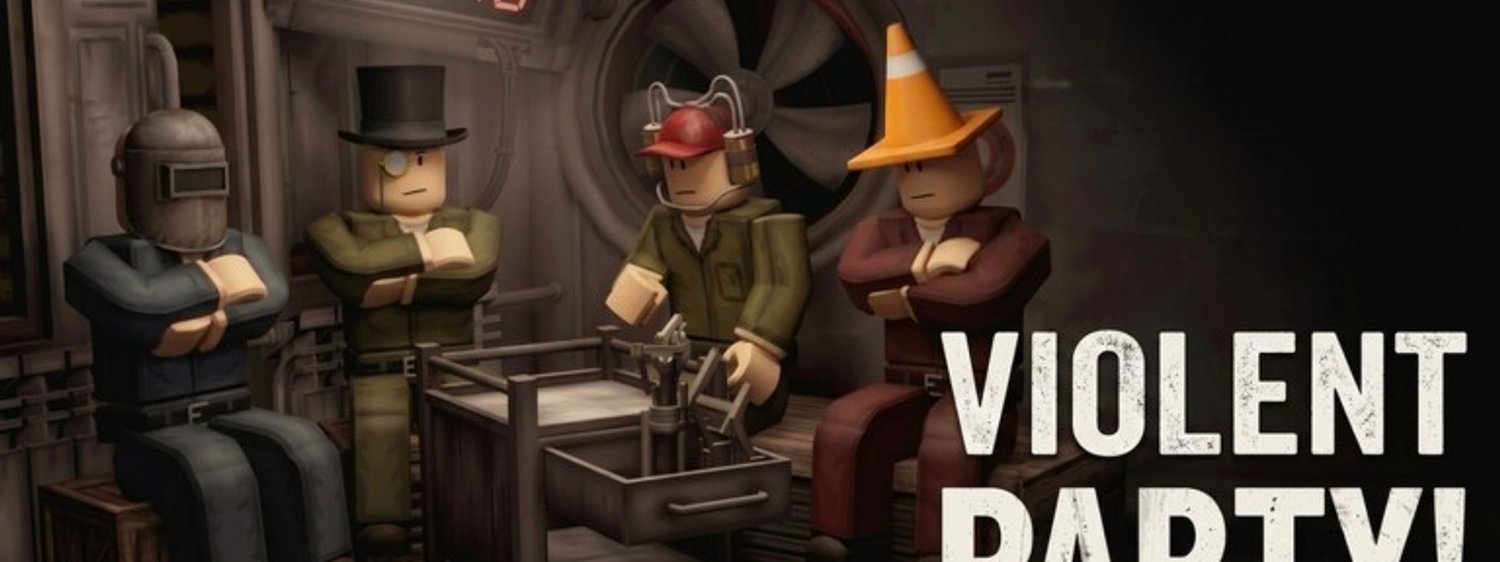
Violent Party updates on a roughly monthly cadence with smaller hotfix patches in between. Knowing when updates land, what kind of changes each one brings, and how to prepare for them is the difference between a player who adapts and a player who gets caught off guard by a new rule. This page is the schedule cheat sheet for the August 2026 patch cycle. Pair it with the Patch Notes page for the change log and the Roadmap & Upcoming page for what is coming after.
The August 2026 patch cycle
Violent Party’s mainline patch cycle runs on a roughly monthly cadence. Major patches ship at the start of each month; minor hotfixes ship mid-month as needed.
For August 2026, the wiki team expects:
- Early August (closed) — mainline patch shipped at the start of the month. Included the icon refresh and two new minigames.
- Mid August (closed) — minor hotfix. Balance adjustments to the Cleaver and Stun Grenade.
- Late August (live) — back-to-school event window opens. Includes event-locked badges and a new arena variant.
The cycle is not strictly monthly. Machine Party X has shipped out-of-cycle patches when a serious bug surfaces, and the wiki team has seen gaps as long as eight weeks between major patches when the team is focused on a larger feature. Treat the cadence as a guideline, not a hard rule.
How to find update announcements
Update announcements land in three official places. The wiki team cross-references all three.
- Roblox experience page — the description and icon update when a major patch ships. This is the fastest signal of a major change.
- Creator announcements — the developer group posts short blurbs on the experience page for every patch.
- In-game banner — the loading screen banner rotates to announce the latest event window and patch.
For unofficial signals, the Updates hub tracks every patch the wiki team has verified. The hub is updated within 24 hours of any verified patch announcement.
Types of updates
Violent Party updates fall into four buckets. Each type has a different impact on your strategy stack.
- Major patches — new minigames, new weapons, new perks. These change the round rotation and the weapon tier list. Refresh your Weapons & Gear reference after every major patch.
- Balance hotfixes — small stat changes to existing weapons or perks. These rarely change the tier list but they do shift the meta within a tier. Refresh your Advanced Strategy drills after every hotfix.
- Event windows — limited-time arenas, badges, and cosmetics. These do not change the core gameplay but they do introduce new badge-grinding opportunities. Refresh your Badges & Achievements reference during event windows.
- Bug fixes — invisible to most players but worth tracking because they sometimes fix mechanics players were abusing. The wiki team flags these in the patch notes.
How to prepare for a major patch
Major patches land at the start of each month. The wiki team’s preparation checklist:
- Read the Patch Notes page the morning of the patch.
- Identify any new minigames and queue for them first. New minigames have the freshest meta and the easiest early wins.
- Refresh the Round Types Strategy reference if the patch adds a new round family.
- Re-earn any badges the patch changed. Some patches retune badge conditions.
- Check the Status guide for any known issues introduced by the patch.
The most expensive mistake is assuming the patch did not change anything and queuing with stale habits. Even a small weapon stat tweak can invalidate a week’s worth of strategy drills.
How to prepare for a balance hotfix
Balance hotfixes land mid-month and are smaller in scope. The wiki team’s preparation checklist:
- Read the patch notes within 48 hours of the hotfix.
- Re-check the weapon tier list. Most hotfixes shift one weapon up or down a tier.
- Update your party composition from the multiplayer guide if a perk was retuned.
- Re-drill the affected weapon or perk for two matches before committing to it in ranked play.
Hotfixes are the most underrated updates. They rarely make headline news, but the cumulative effect of three or four hotfixes per patch cycle is a meaningful meta shift. Players who track hotfixes outperform players who ignore them.
How to prepare for an event window
Event windows open for two to four weeks at a time. The wiki team’s preparation checklist:
- Read the Roadmap & Upcoming page for the event dates.
- Unlock the event-locked badges before the window closes.
- Queue for the event arena variant. Event arenas often have unique mechanics that do not appear in the regular rotation.
- Pair the event with the Badges & Achievements reference for the fastest badge unlocks.
Event windows are the most fun patches to play. They also create the most pressure on the badge grind. Plan your time so you can play at least one focused session per week during the event.
How to track the patch cadence yourself
The wiki team uses three signals to predict when the next patch will land.
- Cumulative balance notes. When three or four hotfixes stack up without a major patch, a major patch is usually two weeks away.
- Icon refreshes. Icon and thumbnail refreshes almost always precede a major patch by 24–48 hours.
- Roblox developer events. Roblox-wide events often coincide with Violent Party event windows.
The wiki team publishes the predicted cadence on the Updates hub as soon as the signals line up. For a deeper look at past patches, the History page lists every major patch since launch.
Common patch mistakes
Players fall into the same four patch mistakes every cycle. The wiki team watches the patch reactions every month.
- Skipping the patch notes. New players often skip the patch notes because they think the changes do not affect them. Every patch affects every strategy stack, even if the change looks minor.
- Refusing to re-drill. Returning to your old habits after a major patch is the fastest way to lose ranked rating. Spend two matches re-drilling after every major patch.
- Chasing the new weapon first. New weapons are usually undertuned on release. Wait for the first hotfix before committing to a new weapon in ranked play.
- Ignoring event windows. Event-locked badges never return after the window closes. Plan your badge grind around the event calendar.
How this page fits into the rest of the wiki
The release schedule is the meta-hub. From here, the Patch Notes page lists every change, the Roadmap & Upcoming page lists what is coming, and the History page lists every major patch since launch.
Frequently Asked Questions
Quick answers to the most common questions.
How often does Violent Party update?
Roughly monthly major patches with smaller hotfixes in between. The cadence is a guideline, not a hard rule — Machine Party X has shipped out-of-cycle patches when needed and has also skipped a month to focus on a larger feature.
Where do update announcements appear?
On the Roblox experience page, in the developer group announcements, and on the in-game loading banner. The wiki [Updates hub](/updates/) cross-references all three.
Do event windows repeat?
Mostly yes. The summer, Halloween, and anniversary windows have repeated every year since launch. Event-locked badges do not return after the window closes.